This blog post shows you how to get rid of the flashing Drum light after replacing toner on a Brother printer. In my case, I am using a Brother HL-2240 laser printer.
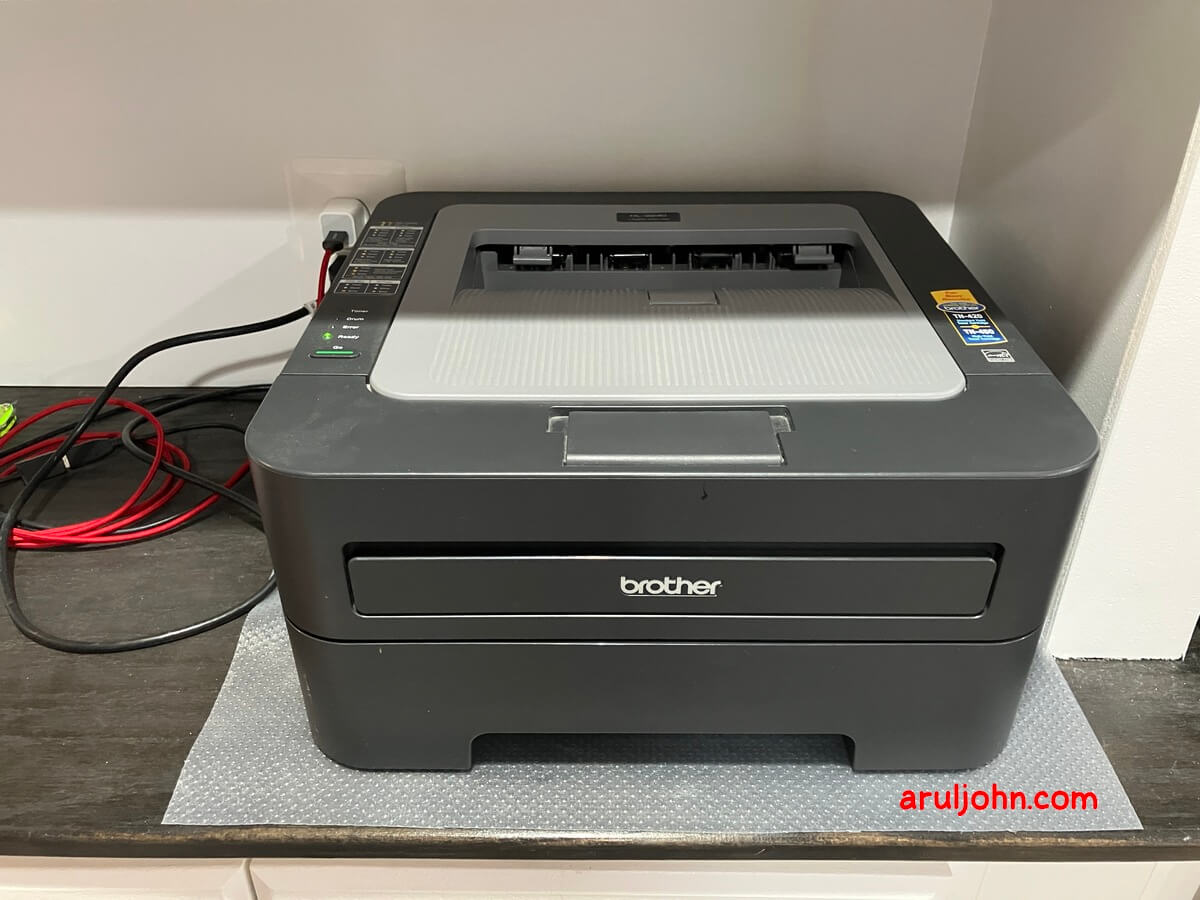
Our Brother HL-2240 Printer
We have a Brother HL-2240 monochrome laser printer and have used it for well over a decade.
It is a regular printer, and we gave it wireless capability by connecting a Raspberry Pi Zero to it.
TN450 toner cartridges
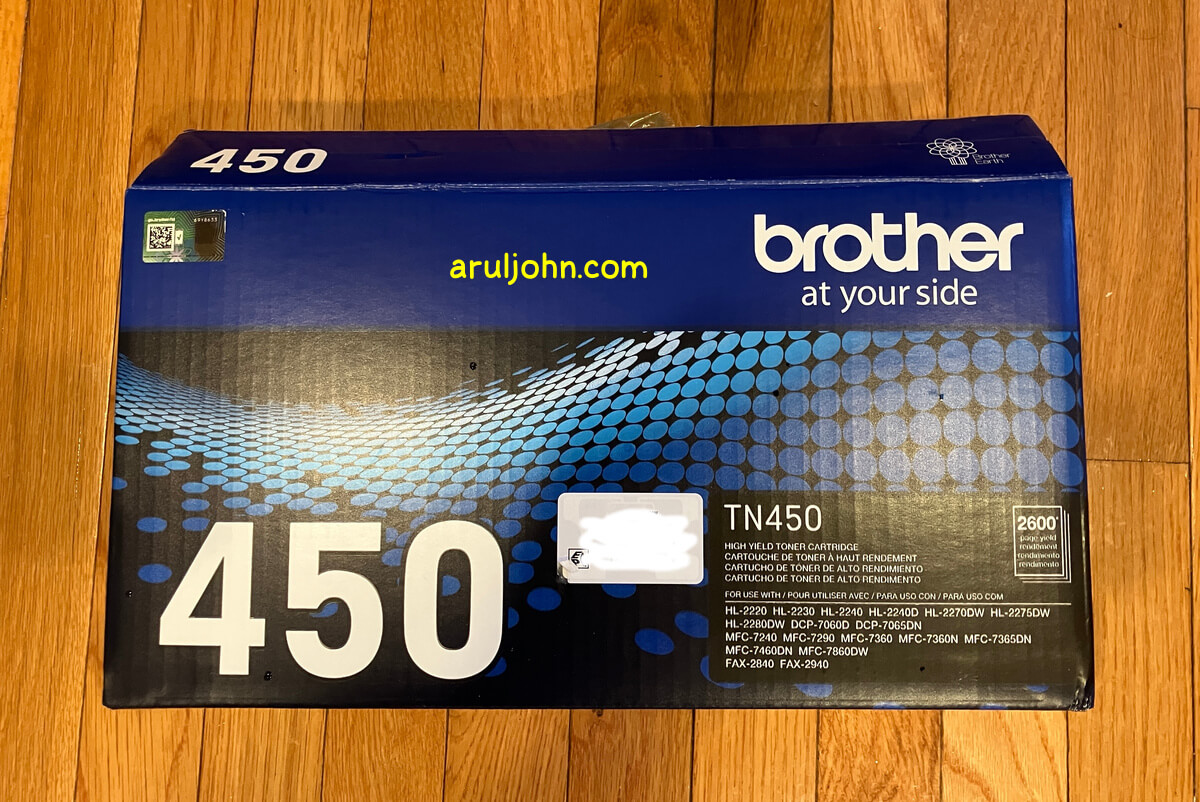
We replace the ink toner every year or so. We get the high yield TN450 toner cartridges for our printer. The wrapping on the box for this toner claims to print up to 2,600 pages, and it's not too bad. We have tried this instead of the regular yield TN420 toner, and are happy with it.
How do I replace the Brother printer toner cartidge?
The process is simple. Open the printer cartridge door.
Remove the drum from the printer and put it down on old magazines or a plastic sheet.
Remove the new toner from the wrapping.
Press the green knob on the left side of the drum. That allows you to remove the old toner from the drum.
Put the new toner inside the drum. Make sure the green knob clicks when the new toner goes inside.
Now, gently tilt the drum to the left at an angle of 30 degrees left, then right, then left, right. Do it a few times so the ink gets ready to be used.
Slide the green knob left and right a few times. Do it gently.
Then, put the drum inside the printer and let it snap in place.
Turn the printer on, Drum light turns on
Now, if you make the mistake of turning the printer on before resetting the drum, you will get see the Drum light turning on, and blinking slowly.
How to fix the Drum light blinking
To fix the Drum light blinking, you have to open the drum door. Yes, do that. You will see the red Error light turning on. That is fine.
Next, click on the Go button and keep pressing for 5 seconds. In this time, all the lights turn on.
After 5 seconds, release the Go button. Then, turn the printer off. After 30 seconds, turn on the printer. You should not see the Drum light flashing anymore.
If you still see the Drum light turning on, then you have to clean the drum with an alcohol wipe and repeat the process.
Conclusion
This blog post was specifically for the Brother HL-2240 printer, but can work for most inkjet or laser printers in the market. I have had my Brother printer for well over a decade, and it is going strong. Hope this blog post helps you, if you had the same issue that I did.
Related Posts
If you have any questions, please contact me at arulbOsutkNiqlzziyties@gNqmaizl.bkcom. You can also post questions in our Facebook group. Thank you.